
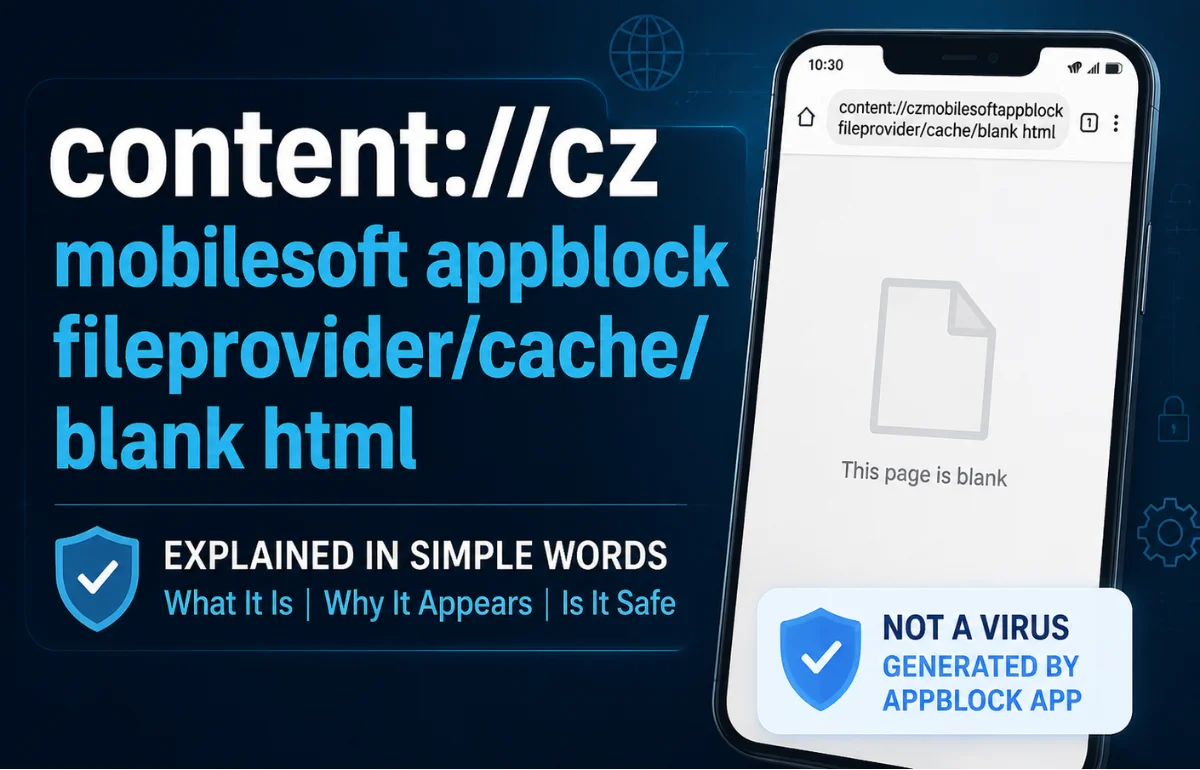
content://cz.mobilesoft.appblock.fileprovider/cache/blank.html is an Android content URI created by the AppBlock app when it blocks or redirects web content on your phone. In simple words, it points to a temporary blank HTML file stored inside AppBlock’s cache. It is not a normal website link, and in most cases, it is not a virus. Android uses content URIs like this to let apps reference files safely without exposing the real storage path. If you see this address in your browser history, logs, or address bar, it usually means AppBlock stopped a blocked website from loading and showed a local blank page instead.
Why This Strange Link Appears on Your Phone
The reason content://cz.mobilesoft.appblock.fileprovider/cache/blank.html looks confusing is that it does not behave like a regular URL.
Most people are used to seeing links that start with https:// or www.. This one starts with content://, which belongs to Android’s internal file-sharing system.
When AppBlock blocks a website, it may replace that website with a blank cached page. Instead of loading the blocked site, your browser or WebView opens this local file:
content://cz.mobilesoft.appblock.fileprovider/cache/blank.html
I usually treat this type of URI as a signal, not an error. It tells you that an app on the phone is handling content internally. In this case, the app is usually AppBlock by MobileSoft s.r.o.
AppBlock is a productivity and screen-time control app. Its official Google Play listing describes it as an app for blocking apps, websites, and social media to reduce distractions.
Breaking Down content://cz.mobilesoft.appblock.fileprovider/cache/blank.html
The full URI becomes easier to understand when you separate it into parts.
| URI Part | Meaning |
|---|---|
| content:// | Android content URI scheme, used for secure app file access |
| cz.mobilesoft.appblock | The package name of AppBlock app |
| fileprovider | Android’s secure file-sharing component |
| /cache/ | Temporary storage area used by the app |
| blank.html | A small blank HTML file used as a placeholder page |
Android’s FileProvider system is designed to share app files through content:// URIs instead of exposing direct file:/// storage paths. That is safer because the app can control temporary access instead of opening up private folders.
So, the Most online explanations is basically saying:
“Open AppBlock’s temporary blank HTML file through Android’s secure file provider.”
Is content://cz.mobilesoft.appblock.fileprovider/cache/blank.html a Virus?
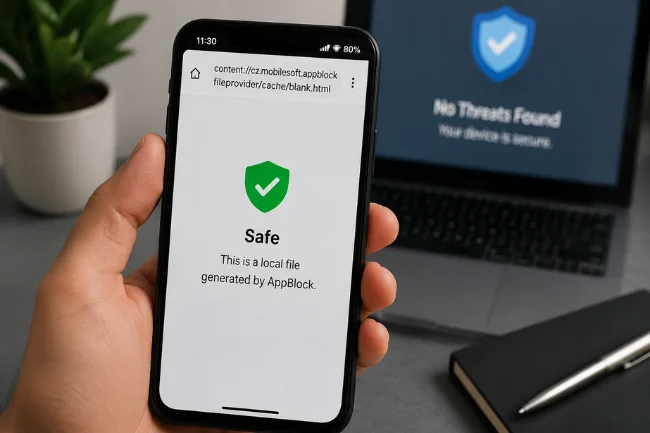
No, content://cz.mobilesoft.appblock.fileprovider/cache/blank.html is usually not a virus.
It is normally a local file reference generated by AppBlock. It does not automatically mean your phone has malware, spyware, or a browser hijacker.
That said, you should not blindly ignore it either. The correct answer is: it is safe if AppBlock is installed from a trusted source and the package name matches the official AppBlock app.
Use this quick check:
| Situation | Meaning | What You Should Do |
|---|---|---|
| You installed AppBlock yourself | Normal behavior | No urgent action needed |
| It appears after opening a blocked website | AppBlock blocked the page | Adjust your blocklist if needed |
| It appears in browser history | Browser recorded the local redirect | Clear history/cache if it bothers you |
| You never installed AppBlock | Needs checking | Review installed apps and remove suspicious APKs |
| It appears with popups or unknown apps | Possible unrelated issue | Run Play Protect and check app permissions |
This is the part many articles skip: the URI itself is not the danger. The real question is whether the app creating it is legitimate.
Why It Appears in Browser History
One confusing thing about this URI is that it can show up in Chrome or another Android browser’s history.
That happens because the browser records the final page it opened. If AppBlock redirected a blocked site to blank.html, your browser may save the content URI as a visited item.
This does not mean you visited a hidden website.
It means your browser opened a local blank file after AppBlock stopped another page from loading.
For example:
- You try to open a blocked social media site.
- AppBlock intercepts the request.
- The original site does not load.
- AppBlock sends the browser to
blank.html. - Your browser history records the content URI.
That is why people often notice content://cz.mobilesoft.appblock.fileprovider/cache/blank.html after using focus mode, website blocking, or strict mode.
Why AppBlock Uses a Blank HTML File
App blockers need a clean way to stop websites without breaking the browser experience.
If AppBlock simply killed the browser request, you might see a crash, timeout, or ugly error screen. A blank HTML file is a smoother option.
The file can act as a neutral placeholder. It loads quickly because it is stored on your device, not fetched from the internet.
This can happen when AppBlock blocks:
- Social media websites
- Adult websites
- Shopping websites
- Gaming websites
- Distracting news websites
- In-app browser pages
- WebView content inside another app
The purpose is not to track you. The purpose is to replace blocked content with something empty or harmless.
What If You Never Installed AppBlock?
This is where you need to pay attention.
If you see content://cz.mobilesoft.appblock.fileprovider/cache/blank.html but you never installed AppBlock, do not panic, but do investigate.
First, open your Android app list and search for:
- AppBlock
- MobileSoft
- Focus blocker
- Website blocker
- Screen time blocker
- Parental control apps
Sometimes another person may have installed AppBlock on a shared phone. In other cases, it may have been installed long ago and forgotten.
If you still cannot find it, check whether any app has a similar package name or suspicious permissions. Avoid downloading APKs from random websites because fake versions of real apps can create confusion.
The safest next steps are:
- Open Google Play Store and check your installed apps
- Run Google Play Protect
- Remove unknown blocker, cleaner, or security apps
- Clear browser history
- Restart your phone
- Check if the URI appears again
If it disappears after removing an unknown app, the issue was likely connected to that app’s behavior.
How to Stop Seeing content://cz.mobilesoft.appblock.fileprovider/cache/blank.html
You do not need to “fix” this URI if AppBlock is working as intended.
But if you do not want to see it again, you have a few options.
Adjust AppBlock’s Blocklist
Open AppBlock and check your website blocking rules.
If a specific website is being redirected to blank.html, remove that site from your blocked list.
This is the best option if AppBlock is blocking something you actually need.
Pause AppBlock Temporarily
If you only need temporary access, pause AppBlock.
This may stop the redirect while the pause is active. Once AppBlock starts blocking again, the URI may return.
Clear AppBlock Cache
Go to:
Settings > Apps > AppBlock > Storage > Clear Cache
This removes temporary files, including the blank HTML file. But this is not permanent. AppBlock can recreate the file the next time it blocks a website.
Clear Browser History
If the URI only bothers you because it appears in Chrome history, clear your browser history.
This does not change AppBlock’s behavior, but it removes the visible record.
Uninstall AppBlock
If you no longer want website blocking, uninstall AppBlock.
This removes the app package, cache files, and related redirects.
Should You Delete blank.html Manually?
You can delete cached files, but manually hunting for blank.html is usually unnecessary.
Android apps manage their own cache folders. Even if you delete the file, AppBlock may recreate it later.
Clearing the app cache is cleaner and safer than using file manager apps to dig through internal storage.
I would avoid aggressive “phone cleaner” apps for this issue. Some cleaner apps exaggerate harmless cache files and label them as threats to push users into unnecessary scans or upgrades.
Does This URI Affect Phone Performance?
No, not in any meaningful way.
A blank HTML file is tiny. It normally does not affect battery life, storage, RAM, speed, or mobile data.
If your phone is slow, this URI is almost certainly not the real cause.
Performance problems are more likely to be caused by:
- Too many background apps
- Low storage
- Heavy social media apps
- Outdated Android version
- Too many accessibility services
- Malware from unknown APKs
- Battery saver conflicts
If AppBlock itself is slowing your phone, check its permissions, update it, or reinstall it from Google Play.
Privacy: Does It Track Your Browsing?
The URI itself does not track browsing.
It is only a local reference to a cached file.
However, AppBlock as an app needs certain permissions to block websites and apps. Depending on your settings, it may use accessibility services, usage access, notification access, or VPN-like filtering methods.
That does not automatically mean it is spying. But you should always review permissions for any app that controls browsing or app usage.
Check:
Settings > Apps > AppBlock > Permissions
Also check:
Settings > Accessibility
If you are uncomfortable with the access level, remove the app or replace it with a blocker you trust more.
content:// vs https://: What Is the Difference?
| Feature | content:// URI | https:// URL |
|---|---|---|
| Used by | Android apps and system components | Websites and web servers |
| Points to | Local or app-managed content | Online web pages |
| Internet needed | Usually no | Yes |
| Example | content://cz.mobilesoft… | https://example.com |
| Security model | Android permissions and app sandboxing | Web encryption and browser security |
| User meaning | Internal app file reference | Public website address |
This difference matters because many users assume anything in the browser bar is a website.
In this case, it is not a website. It is an Android-managed content reference.
When Should You Worry?
Most users do not need to worry. But there are a few cases where you should look deeper.
You should investigate if:
- You never installed AppBlock
- The URI appears constantly without opening blocked websites
- Popups appear with it
- Your browser opens random pages
- Unknown apps have accessibility access
- You installed AppBlock from an APK site
- Your phone has fake cleaner or security apps
- The package name is slightly different from
cz.mobilesoft.appblock
A fake or modified app can use similar names to look legitimate. Always verify the developer and app listing before trusting it.
Better Article Angle: What Most Guides Miss
Most online explanations say the same thing: “It is safe, clear cache, uninstall AppBlock.”
That is not enough.
The more useful answer is this:
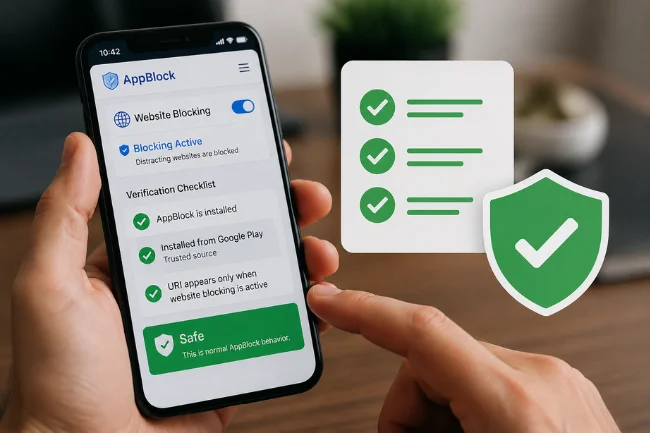
content://cz.mobilesoft.appblock.fileprovider/cache/blank.html is usually safe, but you should confirm three things:
- AppBlock is installed.
- The app came from Google Play or a trusted source.
- The URI appears only when website blocking is active.
If those three are true, the URI is normal AppBlock behavior.
If those three are not true, check installed apps, permissions, and Play Protect.
That small verification step is what protects users from both unnecessary fear and careless assumptions.
Final Thoughts
content://cz.mobilesoft.appblock.fileprovider/cache/blank.html is not a normal website and is usually not a security threat. It is an Android content URI connected to AppBlock’s cached blank HTML page, commonly used when the app blocks a website or web-based content.
Your next step is simple: check whether AppBlock is installed, confirm it came from a trusted source, and decide whether you want to keep its blocking rules active.
If the URI appears only during blocked browsing, you can safely ignore it. If it appears without AppBlock installed, review your apps and permissions before moving on.
Frequently Asked Questions
What does content://cz.mobilesoft.appblock.fileprovider/cache/blank.html mean?
It means AppBlock is pointing Android to a temporary blank HTML file stored in its cache, usually after blocking a website.
Is content://cz.mobilesoft.appblock.fileprovider/cache/blank.html harmful?
No, it is usually harmless if it comes from the real AppBlock app installed from a trusted source.
Why does it show in my browser history?
Your browser records the AppBlock redirect as a visited page when a blocked website is replaced with the local blank file.
Can I delete blank.html from AppBlock cache?
Yes, you can clear AppBlock’s cache, but the file may return when AppBlock blocks another website.
What should I do if I never installed AppBlock?
Check installed apps, run Play Protect, remove unknown APKs, and review accessibility permissions for suspicious apps.

Marcus Vance is a digital journalist and trends analyst with over 7 years of experience covering technology, business, and lifestyle. At wellhealthorganic1.com, he delivers research-driven guides on emerging trends, productivity tools, and practical life hacks to help readers simplify routines and make informed decisions.